


Estimate shipping
Description
SPECIFICATIONS
Brand Name: NONE
Certification: UL
Electrified: No
Feature: Cool / Hot Air,Temperature Adjustable,Temperature Digital Display
High-concerned chemical: none
Model Number: 958D
Origin: Mainland China
Power Source: Ac
Rated Output Power: 600W
Rated Voltage: 110V
Use: Home DIY
Weight: 630G
is_customized: Yes
110V Portable LCD Digital Heat Hot Air Gun Blower Desoldering Soldering Station Temperature Adjustable IC SMD BGA Repair DIY
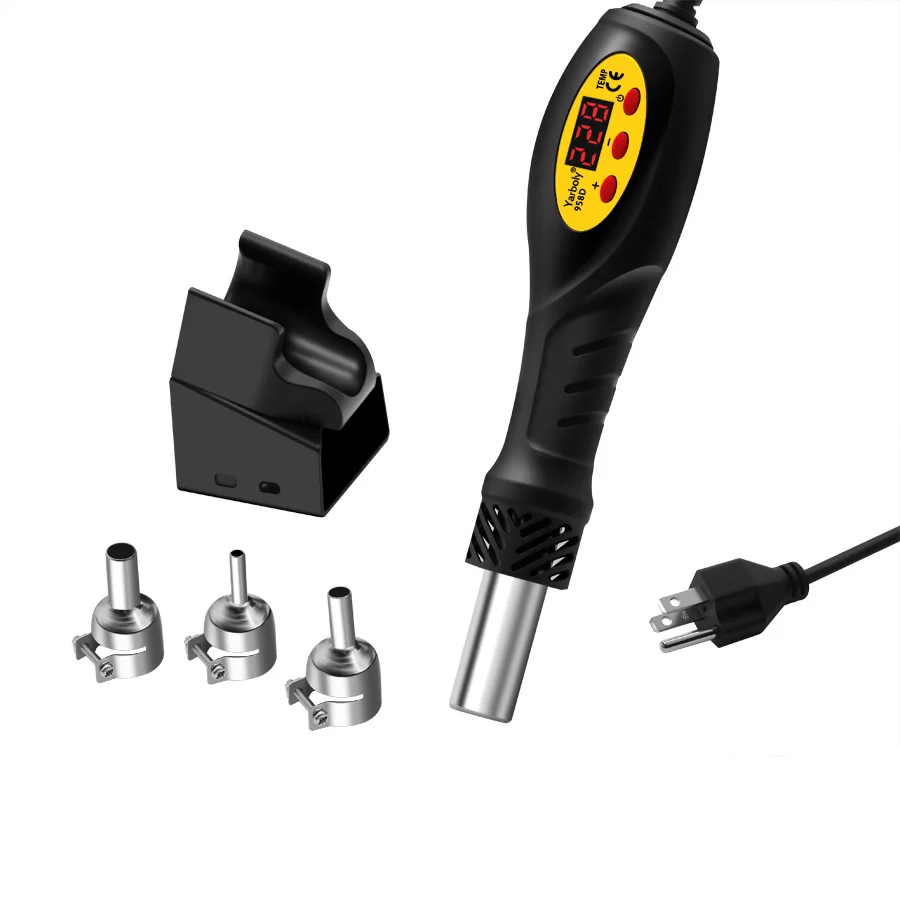
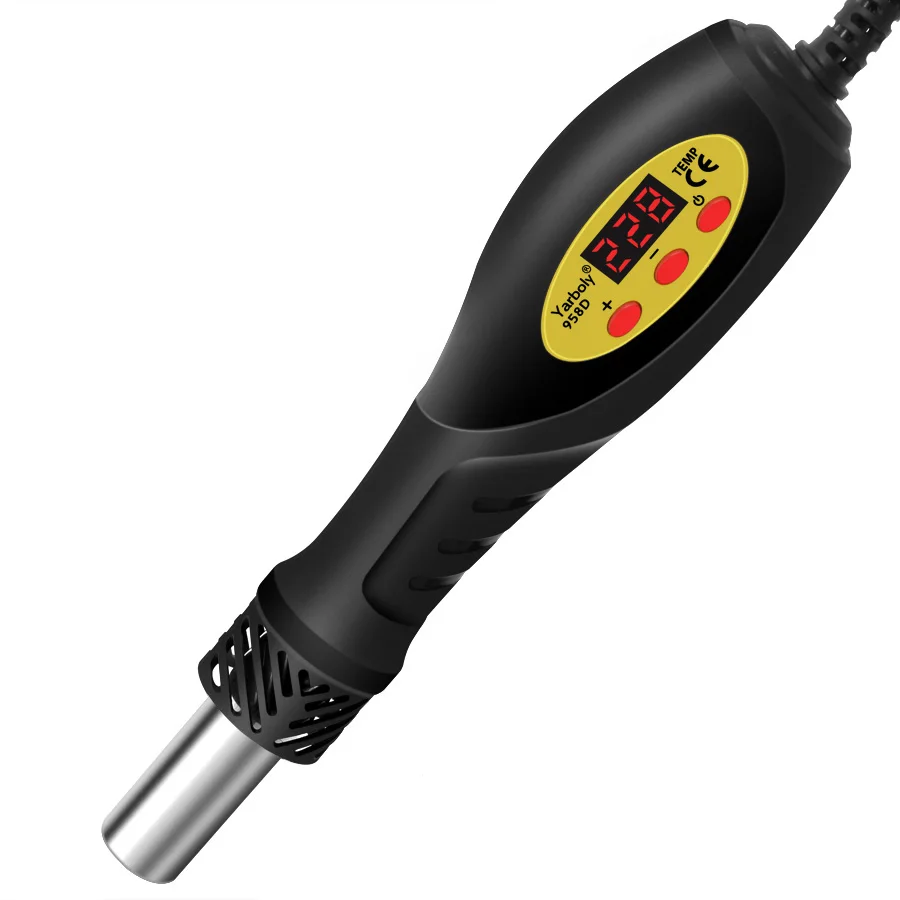
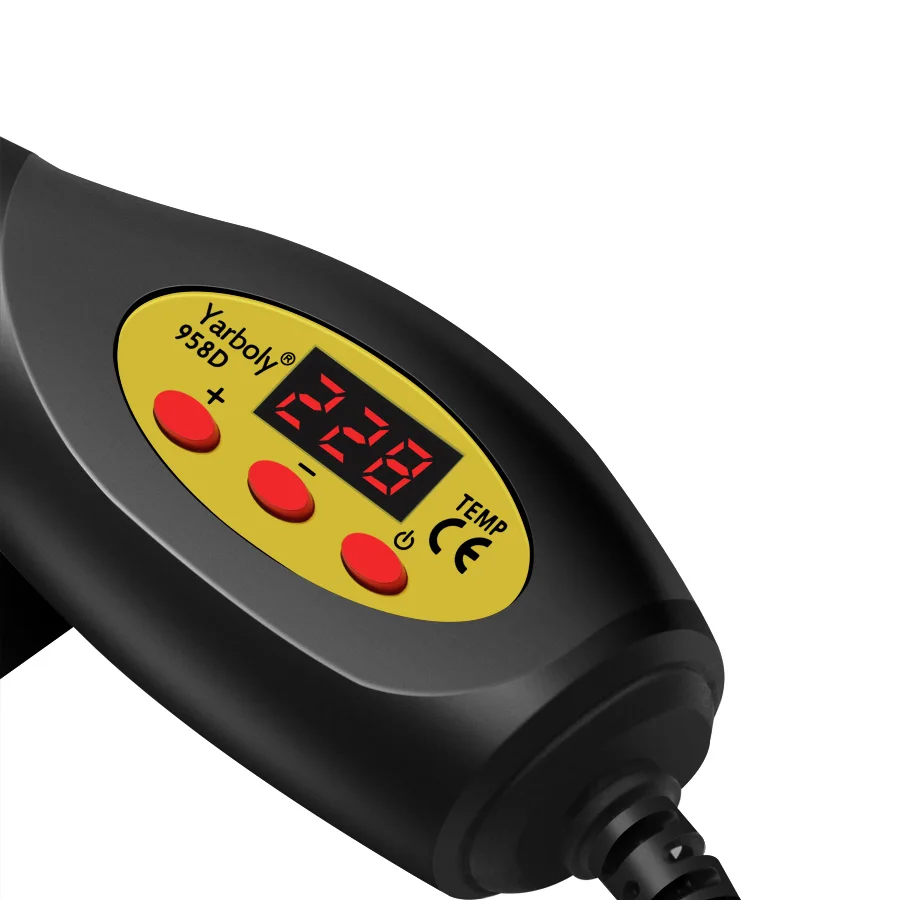
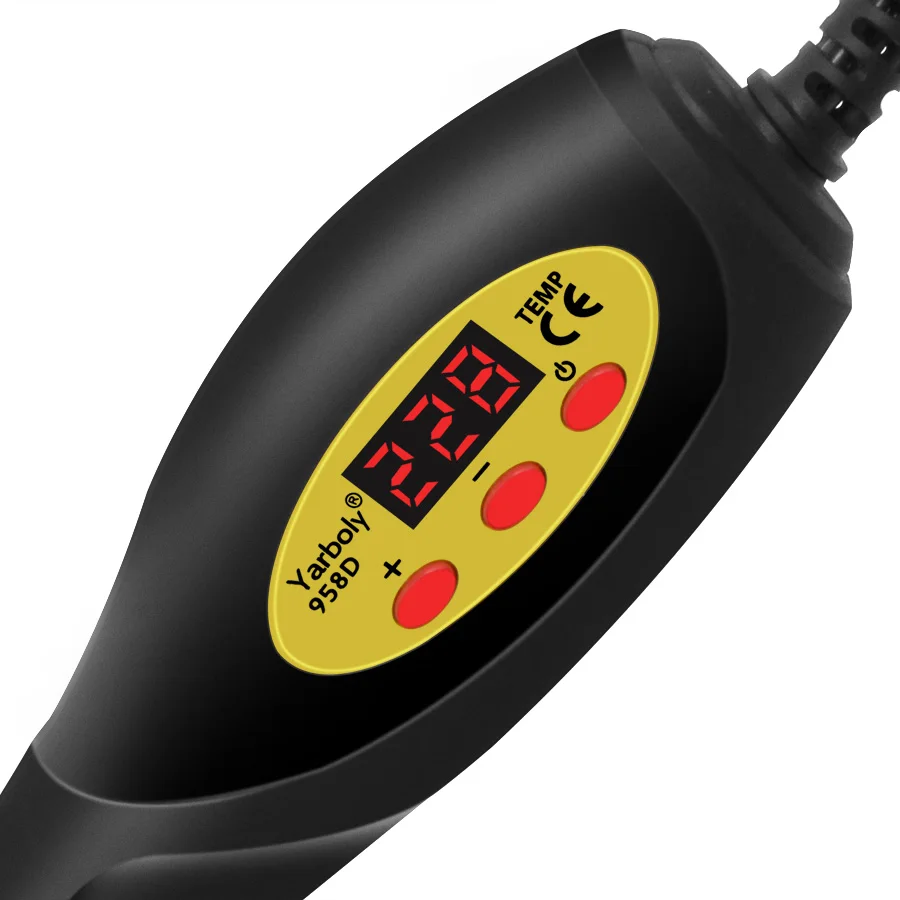
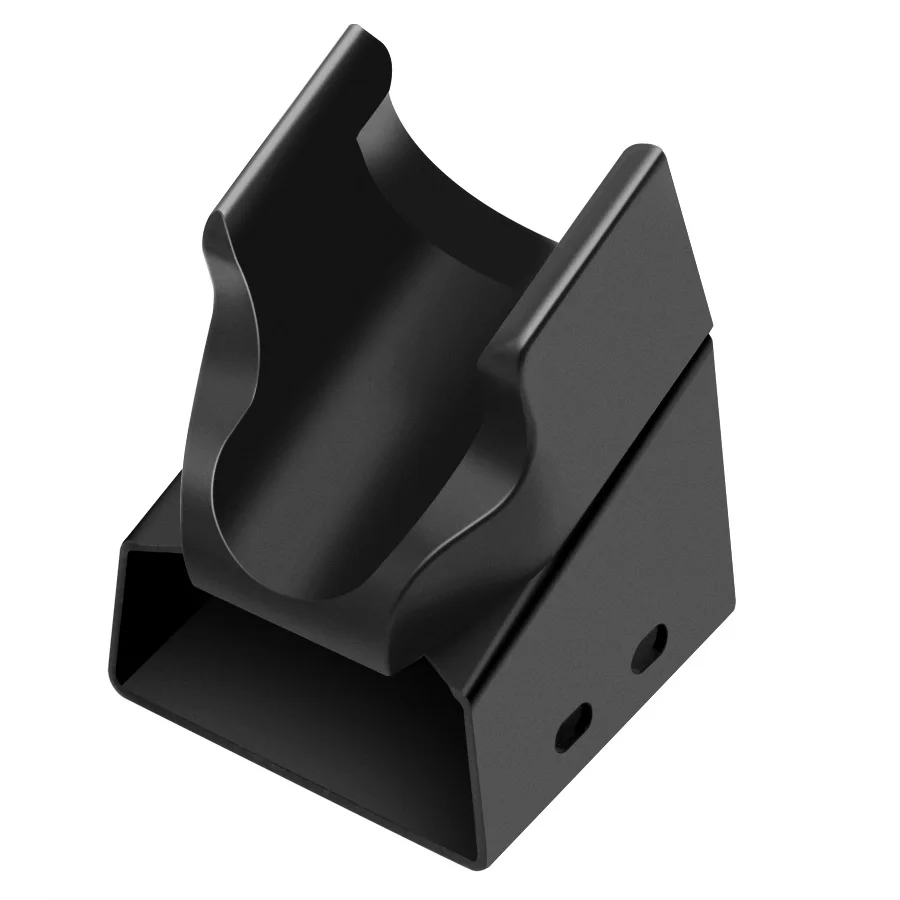
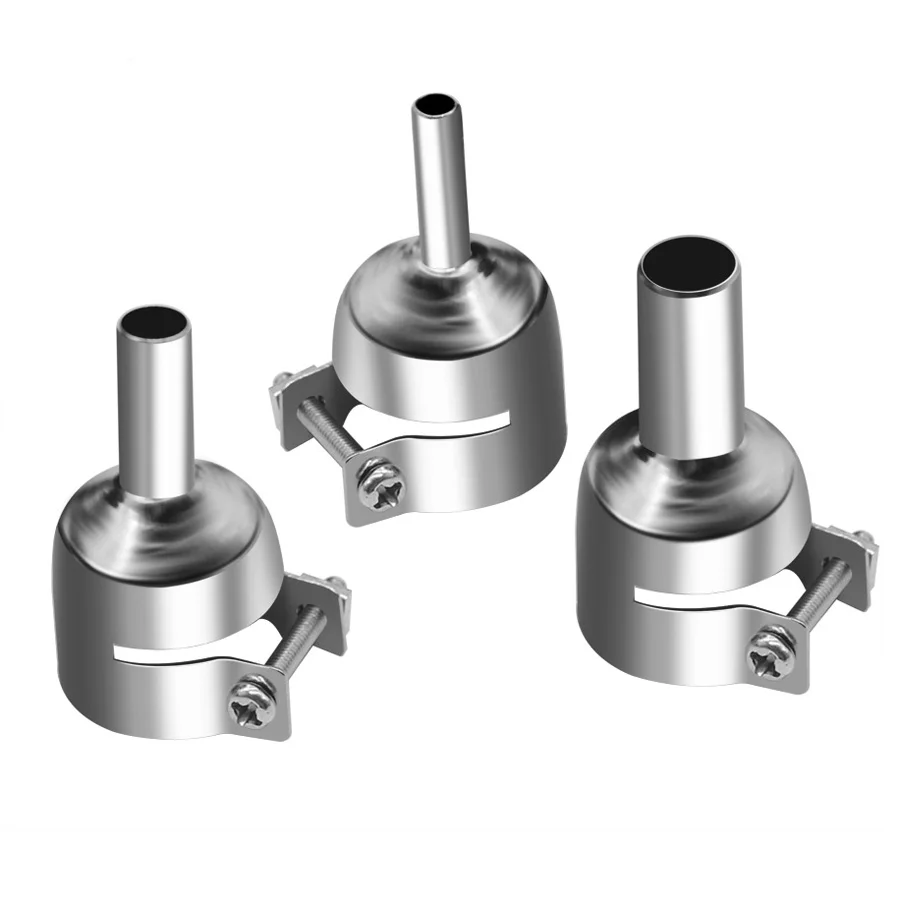
Single Air Gun Instruction Manual
One、Appearance and Component Description
Two、Operation Instructions
(One)Power On/Off
When the air gun is off,the display shows "OFF".
Press and hold the power button for 1.5 seconds to turn on the device.
After power-on,the display shows the temperature value.The rightmost
decimal point flashes to indicate the heating state.
In the power-on state,press and hold the power button for 1.5 seconds
to shut down.If the temperature of the air gun is higher than 60℃when
shutting down,the air gun will blow air at maximum volume to cool down until the temperature drops to 60℃ and then shut down
completely.During the shutdown process,the display will flash "OFF".In
addition,pressing and holding the power button during shutdown can
re-enter the heating state.
(Two)Temperature Adjustment
On the power-on interface,press the+/-buttons to adjust the temperature:
A short press on +or-increases or decreases the set temperature by 1;
press and hold to adjust quickly.The adjustment range is(Celsius:150-
500)(Fahrenheit:302-932).
(three)Air Volume Adjustment and Function Switching
In the power-on mode,short-press the power button to switch between
temperature and air volume(F10-F99)settings.After entering the setting
state,the set temperature or air volume value will flash (press and hold +or-
for quick adjustment).It will automatically exit the setting state after 3 seconds,
and the flashing willstop after 3 times.
(four)System Settings
In the shutdown or heating mode,press the power button twice quickly to
enter the system setting interface,which has three menus:0,1,and 2.
Select Menu 0 and press the power button to exit the setting state.
1.Select Menu 1 and press the power button to enter the temperature
unit setting.You can switch between Celsius(C)and Fahrenheit(F)by
pressing the up and down buttons.After setting,press the power
button to confirm and exit.
2.Select Menu 2 to enter the calibration interface.You can calibrate within the range of±99 degrees by pressing the up and down buttons.After
setting,press the power button to confirm and exit.
three、Notes
When using the air gun,ensure operation in a well-ventilated
environment to avoid safety hazards caused by high temperature.
Do not touch high-temperature parts such as the air outlet when the air
gun is working to prevent burns.
Clean and maintain the air gun regularly to ensure stable performance. Supports 50HZ and 60HZ power supply detection.If the detection fails,